DiskBee
Read & write NTFS drives on Mac like native disks
DiskBee · No Restart · No Recovery Mode · No Security Downgrade
Version
3.9.8
Size
9.4 MB
Category
Utilities
Requires
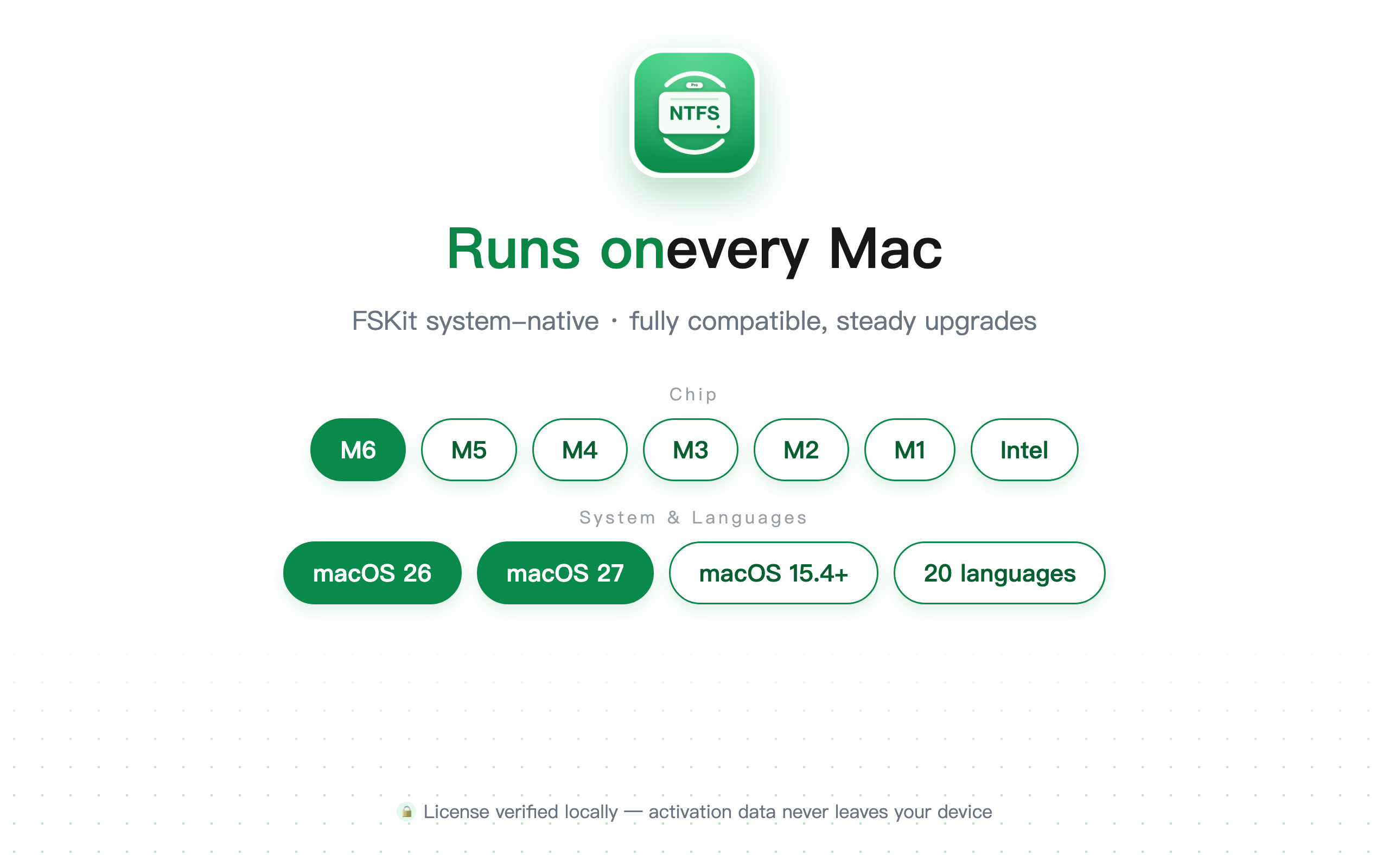
macOS 15.4+
Chip
Apple Silicon / Intel
Languages
20
Preview
About
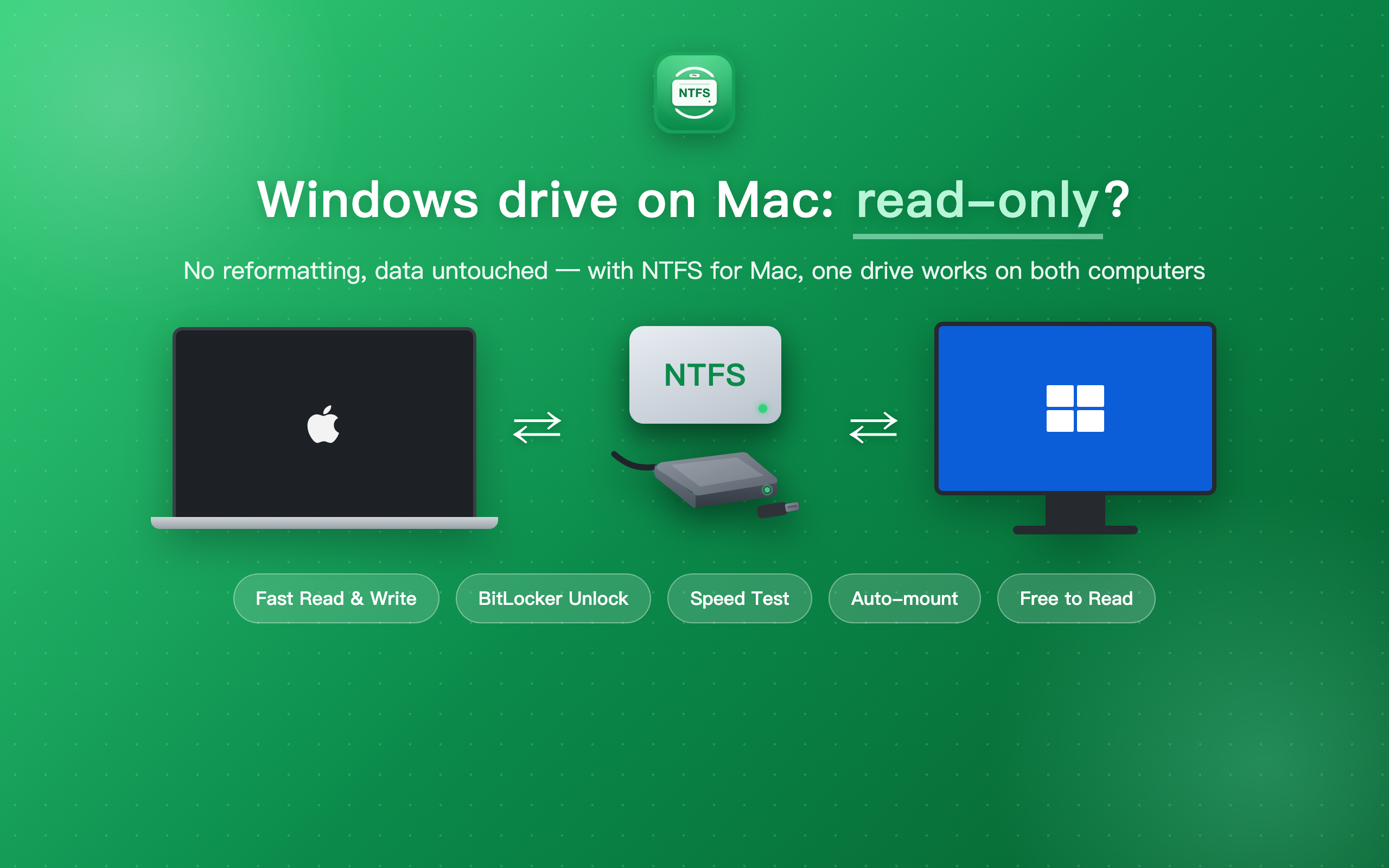
External drives and USB sticks from Windows show up read-only on Mac? DiskBee makes NTFS drives behave like native disks, no reformatting, no data migration, auto-mounted the moment you plug in.
Built on FSKit, the system-level file system architecture introduced in macOS 15.4: no kernel extension, no third-party plugin, no restart, no security lowering, and it survives macOS upgrades.
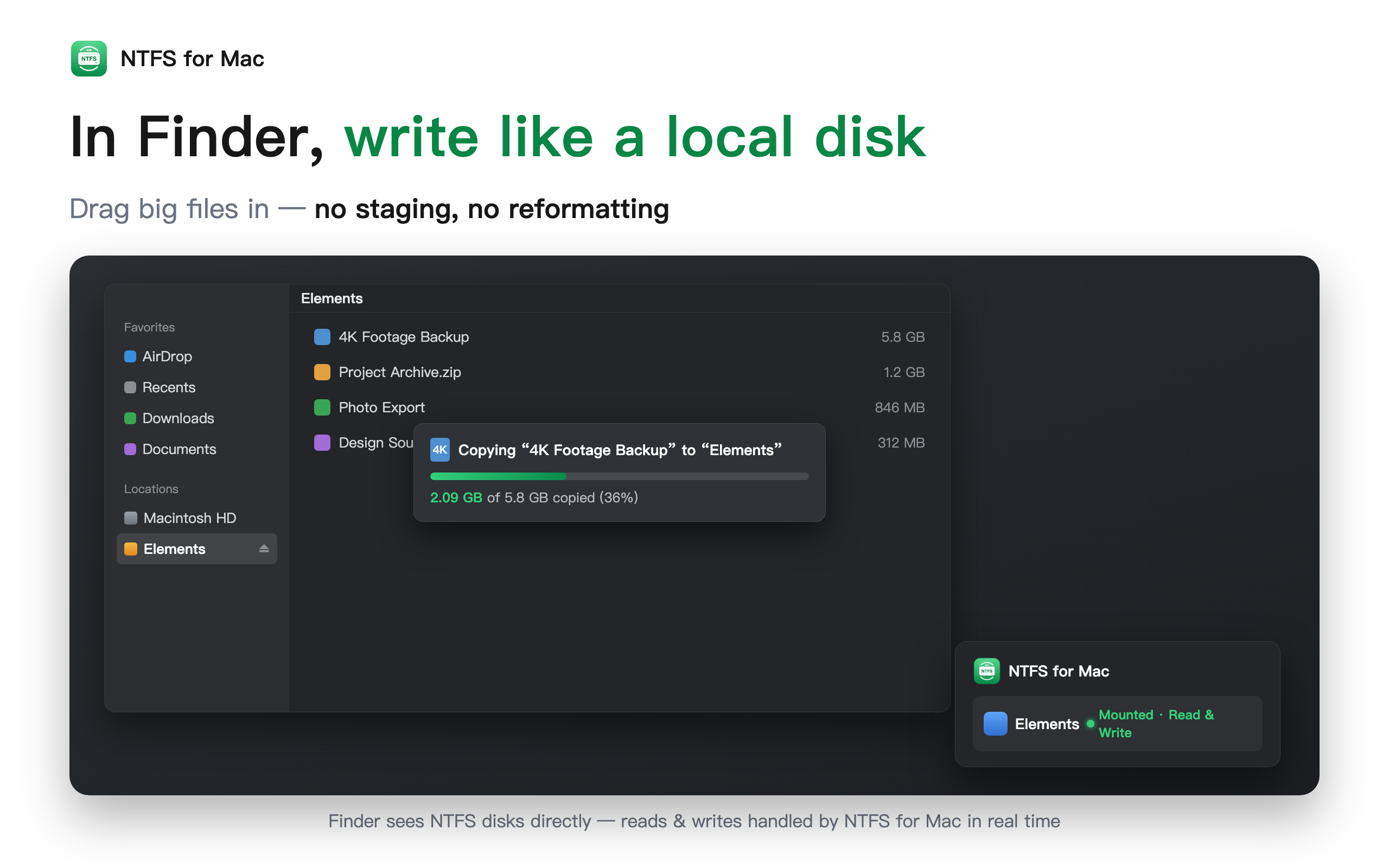
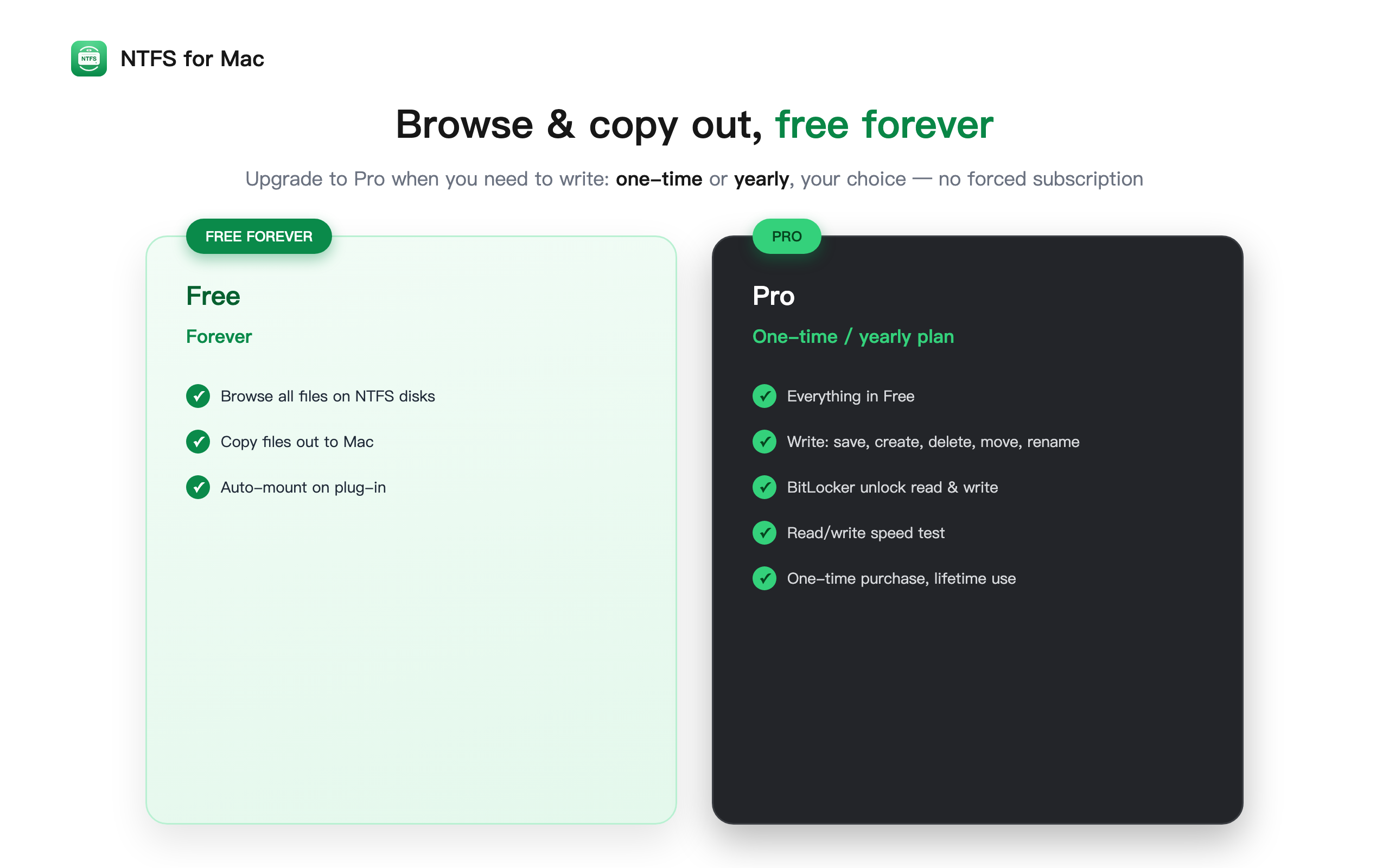
- Plug In & Read-Write: NTFS drives auto-mount on plug-in. Browse read-only for free; Pro unlocks full copy, edit, delete, and rename.
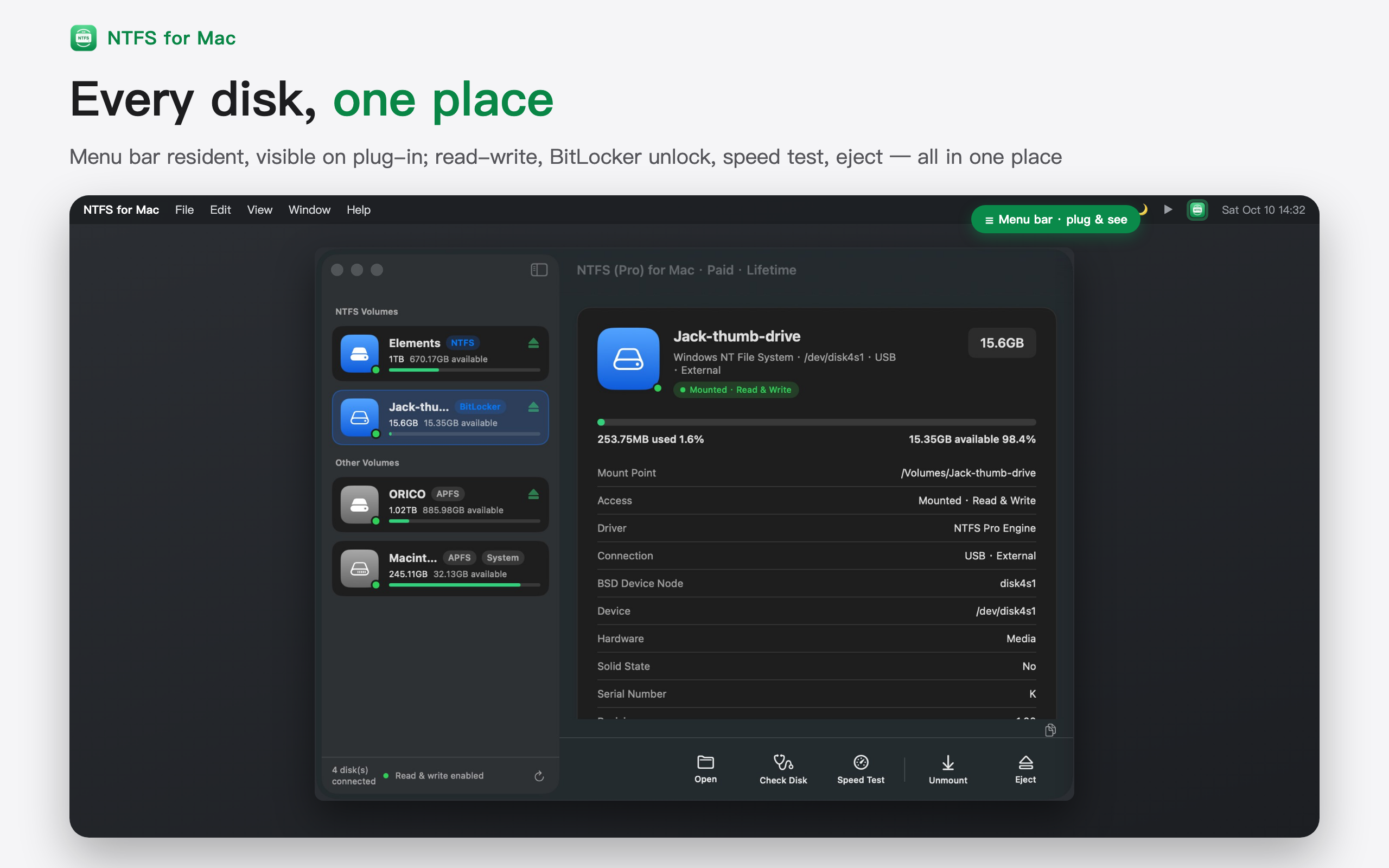
- BitLocker Drives: Unlock BitLocker-encrypted NTFS drives with a password or recovery key, read and write with real-time encryption, fully Windows-compatible.
- Native FSKit Engine: Built on Apple's official FSKit framework, the same technology as macOS's own file systems. No restart, no Recovery Mode, no security downgrade. Requires macOS 15.4+. Universal for Apple silicon and Intel.
- Check & Repair: Dirty volumes self-heal at mount via automatic log replay, with built-in unmount diagnostics. Four-level checks of MFT records, cluster allocation, and directory indexes; common errors are safely auto-repaired, and deep corruption is handed off to Windows chkdsk.
- Format to NTFS: Erase and format drives as NTFS via the built-in Disk Utility or diskutil, no third-party partitioning tools needed. Plus interrupted-copy cleanup and conflicting-driver detection.
- Windows Compressed Files: Transparently decompresses Windows-compressed (LZNT1) files, read, copy, and edit them as usual, no manual extraction needed.
- Disk Speed Test: CrystalDiskMark-style 4-profile benchmark (sequential/random × write/read) measured through the NTFS engine itself, real-world throughput with cache-defeating methodology, plus IOPS and latency.
- No Formatting · Free Lifetime Updates (no major-version upgrade fees): Use NTFS disks right away, no formatting, no data loss. New versions are free, with automatic checks and one-click upgrade.
Information
- Compatibility
- macOS 15.4 or later, optimized for macOS 26 / 27
- Chips
- Apple Silicon (M1–M6) and Intel (universal binary)
- Languages
- 20 including English, 简体中文, 日本語
- License
- Free download; Pro one-time payment, lifetime use
- Privacy
- All disk operations run 100% on-device; no file contents or directory structures are collected